Clout account
Use your Clout account to sign in, choose a plan, download Clout Browser, and manage your computers and team.
On this page
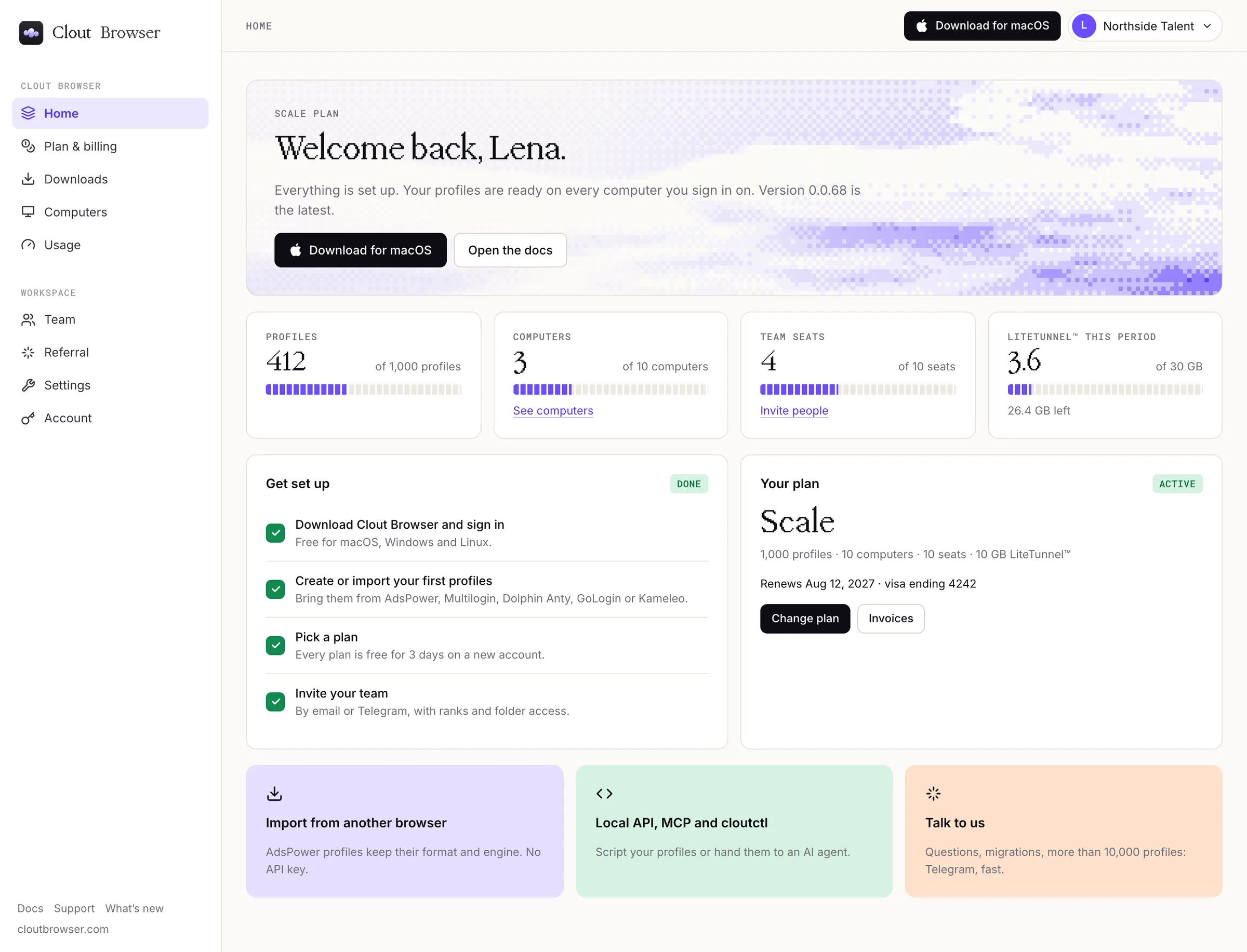
Your account is your sign-in for Clout Browser. Use the portal to choose a plan, download the app, manage your computers and invite your team.
Each teammate signs in with their own Google account or email. Give them access through Team rather than sharing your sign-in.
Start here
- Sign in to the portal with Google or your email.
- Pick a plan. Every plan is free for 3 days on a new account.
- Open Downloads for the installers.
- Invite your team.
Signing in identifies you. What you can do depends on your plan and the role your team gives you.
Find the right portal page
| Page | What you do there |
|---|---|
| Home | See your plan, the profile, computer, seat and LiteTunnel™ meters, and the setup steps left. |
| Plan & billing | Choose or change your plan, buy LiteTunnel™ data, and open your card and invoices. |
| Downloads | Download Clout Browser for macOS, Windows or Linux, and cloutctl. |
| Computers | Review, sign out or remove the computers counted against your plan. |
| Usage | See how much traffic your computers used and how much of it LiteTunnel™ carried. |
| Team | Invite people, change their access, or hand over ownership. |
| Referral | Coming soon. Until it opens, introduce agencies to us on Telegram. |
| Settings | Your profile, sign-in methods, security, sessions, preferences and account controls. Browser settings holds shared Clout Browser settings. |
| Account | Your account details, sign-in methods, two-factor authentication, diagnostics and account deletion. |
The menu under your workspace name, top right, opens Account and security, Plan & billing and Sign out. The download button beside it offers the installer for the computer you are on.
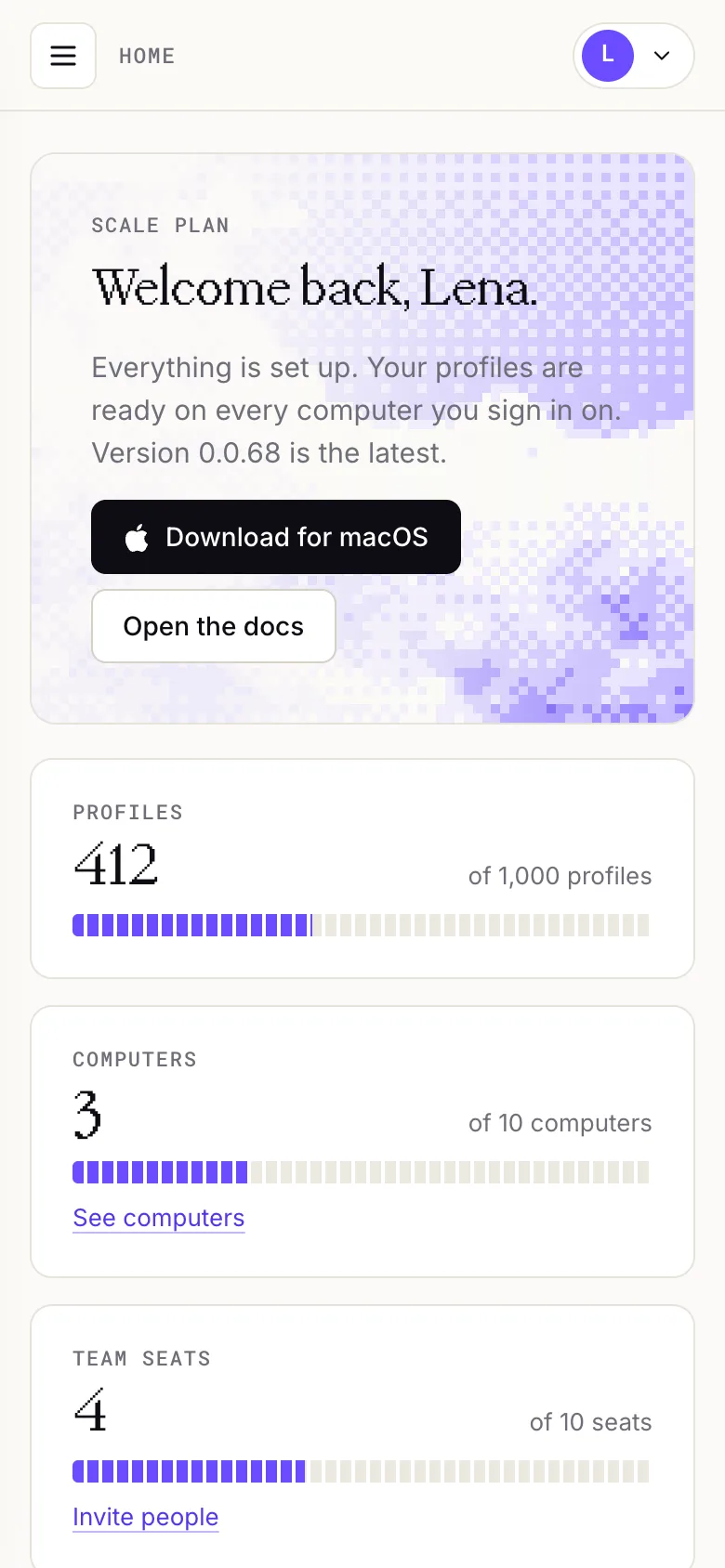
On a phone, use the menu button at the top left to open the navigation.
Continue in your product
For day-to-day work, use the Clout Browser guide.
If you cannot get into your account, talk to us.